created 2026-08-30
upgrading my home server
for me, computers are not just a way to pay the bills. from a young age, i have had an aptitude for wrangling computers to get them to do what i want them to do. it just so happens that i've managed to turn this into a career.
this particular skillset allows me to DIY many of the tasks that people generally pay big tech firms to do. i don't pay apple for icloud, i don't pay microsoft to host a minecraft realm, and i don't pay google to backup my photos. being able to do these things myself is a huge benefit, from a cost, privacy, and flexibility perspective
for the past two years, i've been doing many of these tasks on a raspberry pi. it has been doing a stellar job of the above mentioned tasks while sipping a minimal amount of power.
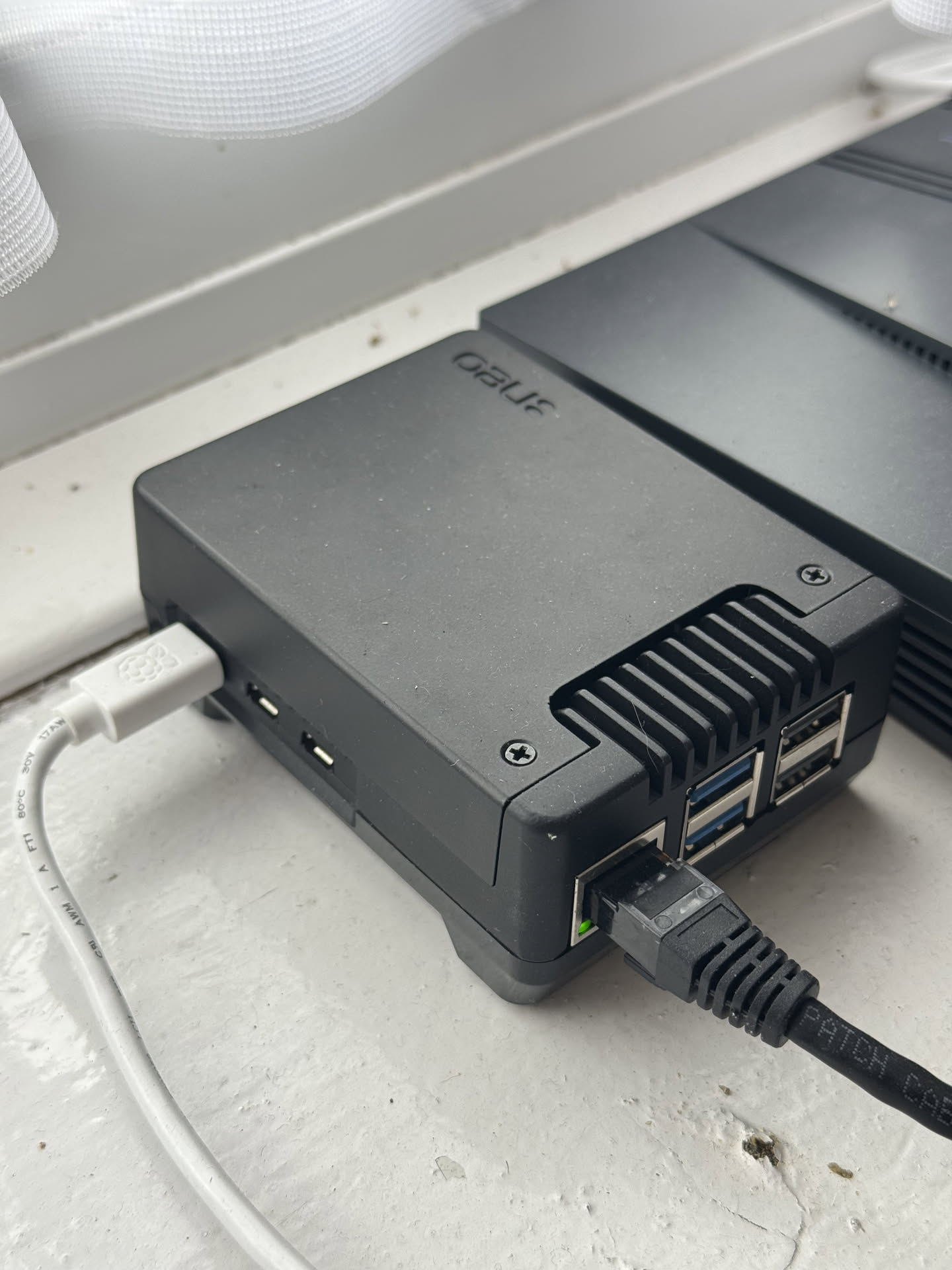
this raspberry pi has been my workhorse server for the past two years
for a little while, i'd been looking to buy or build a network-attached storage server to use as a central hub for file & photo backups. around 9 months ago, i gathered a mix of new and used parts and put together my very own nas system.
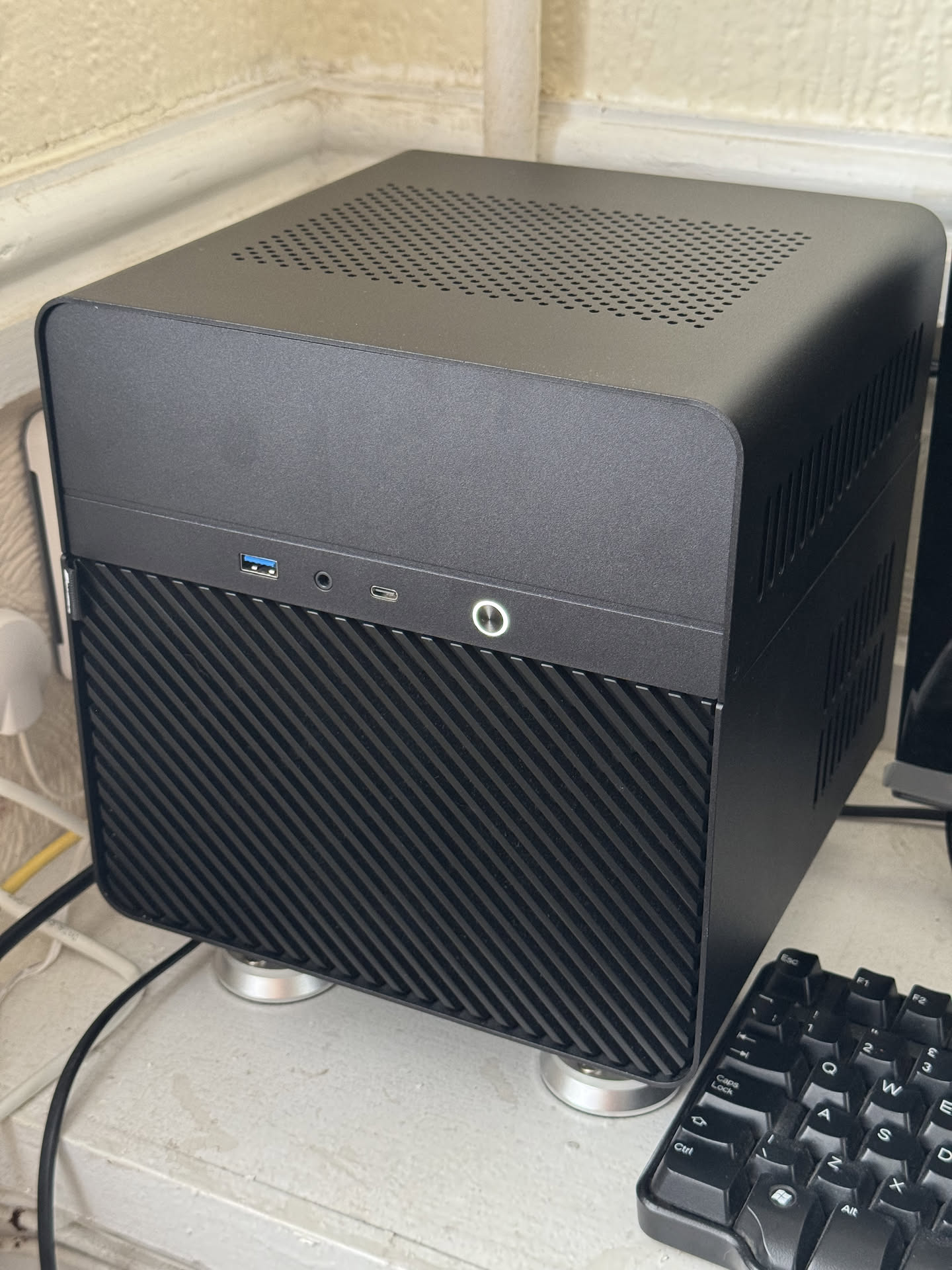
my home-made nas server - resting on springs to avoid vibration noise
initially, i'd planned to keep my apps running on the raspberry pi, and dedicate the nas server solely to file storage and home media playback (the nas has a video transcoder built into the cpu). however, i realised this approach may be slightly pointless, since the nas server is going to be running and consuming power anyway, and it has more than enough spare capacity to run the additional workloads.
the devil you know
the pi has been a reliable workhorse for two years, and i've become used to the straightforward portainer-on-docker-on-debian way of life. the thought of migrating this setup over to the truenas apps ecosystem gave me serious pause. i'd considered spinning up a debian virtual machine on the nas, and just migrating the config over. but i felt ready for the challenge
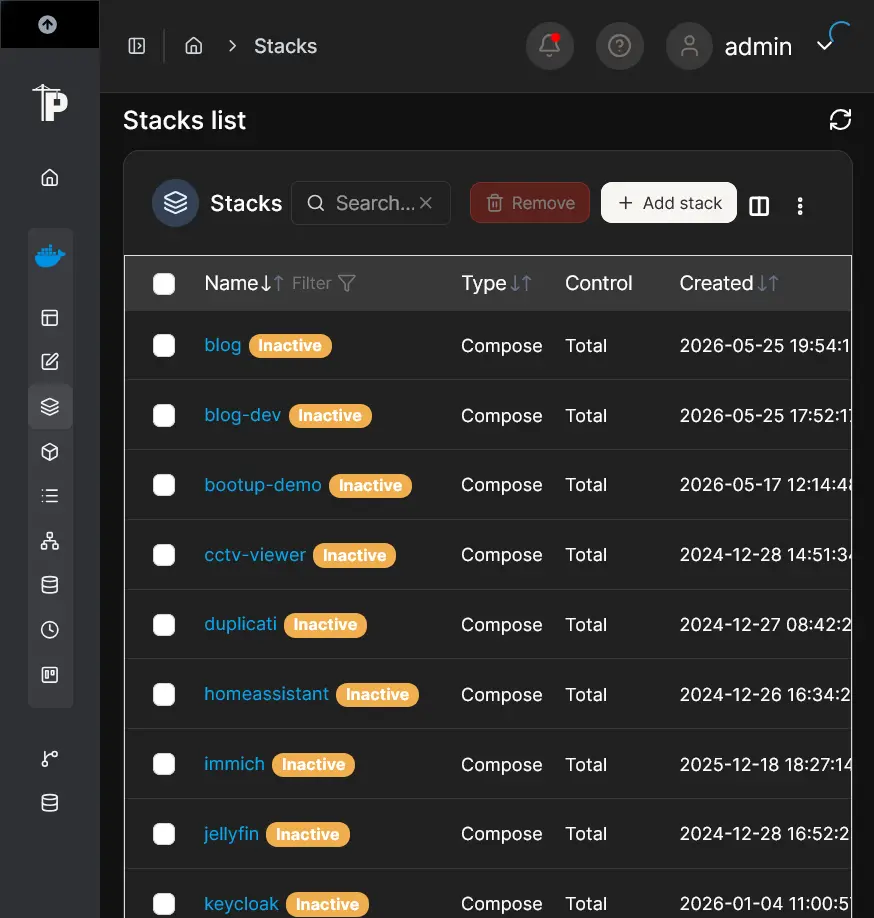
portainer running on the pi
migrating to truenas apps
truenas apps is just an interface over plain docker. you get a choice of downloading pre-built templates from the truenas marketplace (which are essentially just premade compose files) or you can manually install apps using docker compose. for most of my apps, i went with the premade compose files, with a few exceptions for some of the more complicated apps
the main difficulty in migrating from portainer was making sure that all of the configuration files for each app were in the right place, and navigating some of the intricacies of each app in order to get them to start correctly. apps which rely on postgres are particularly finnicky, since postgres is very particular about file permissions before it will start.
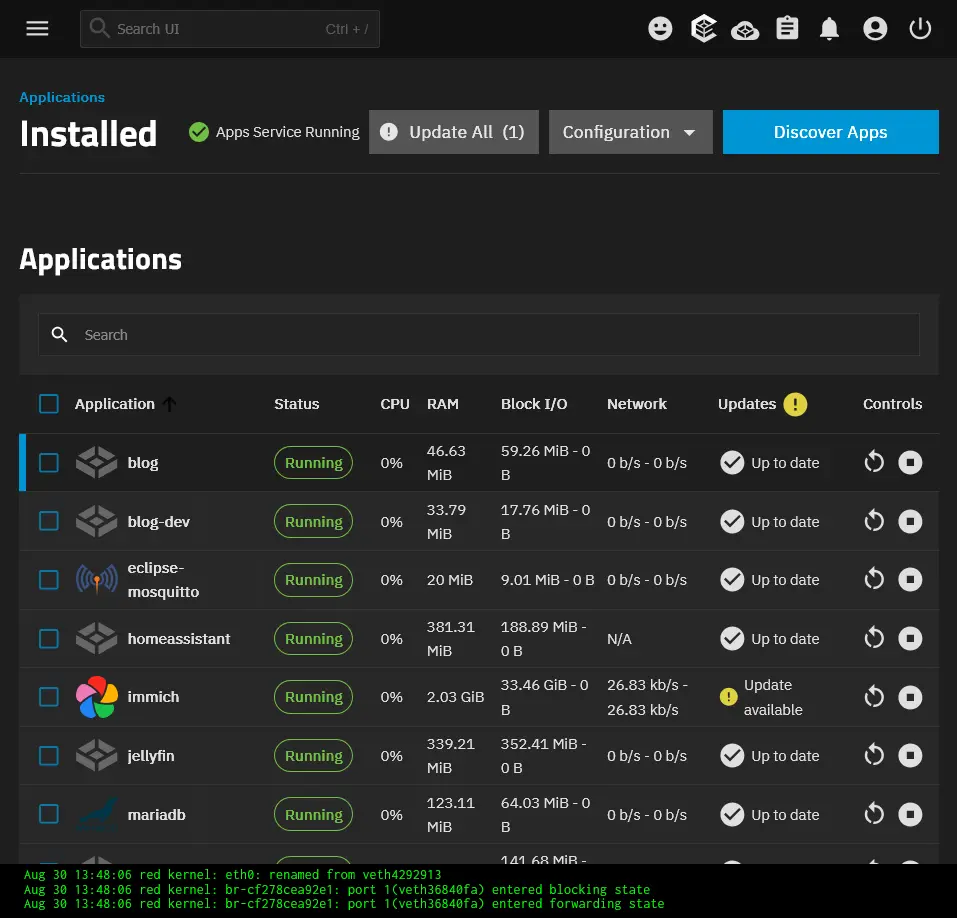
truenas apps interface - everything has been migrated
in all, i've migrated 20 apps over from the pi to truenas, which took me a weekend and-a-bit to do. time will tell whether i stick with this configuration or go back to running my apps elsewhere.
hardware upgrades
prior to the migration, i'd only populated my nas server with an ssd boot drive, and two spinning hard drives in mirror configuration for bulk data storage and a couple of apps. this setup served me well, but i decided to make a slight change before migrating all my apps over
i added an additional fast ssd drive to store my app configurations, databases, and caches. there is no mirror or raid configuration here, since i don't have a spare ssd, and i don't fancy buying one at an inflated price during the AI bubble.
instead, i've set up hourly snapshots on the single ssd, which are replicated to the slower hard drives (and then further replicated daily to a backup drive). this means that if the ssd dies, i will temporarily lose my apps (and this site will go down), but i can just pop in a new ssd and recover from a backup. this is a tradeoff i'm willing to make for the moment.
the result
in migrating all my apps over to a single server, i'm probably not saving any power, since the power consumption of the pi was only around five watts. the additional ssd and cpu power consumption on the nas server would probably equate to about the same
i'm also not saving myself much management overhead, since the pi was already a dream to manage. i suppose the benefit to this activity is knowing that it is possible and relatively easy to migrate from one environment to another. i'd always considered it possible in theory, but had never actually put this into practice. i am now much more confident in knowing i can move my apps if required :)