created 2026-08-02
publishing my presence
a feature that i really wanted to add to my website was the ability to let people know when i'm around, or when i was last seen, or what i might be doing currently. this was heavily inspired by old instant messengers like aol, msn, and skype.
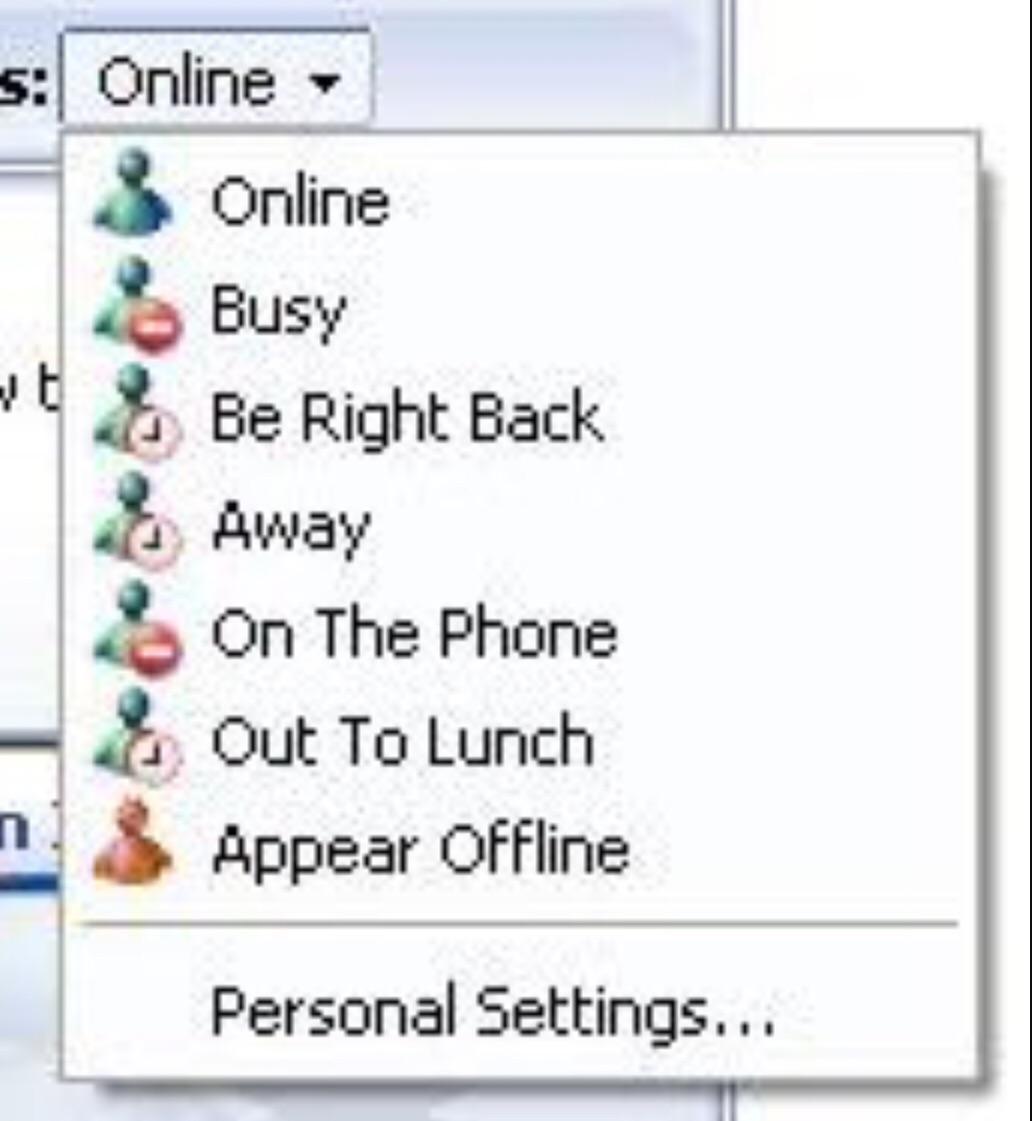
msn messenger, for example
the website bit
i decided to use a circle unicode character in different colours to display my online/away status, and a sleeping emoji for my resting status. possible status values at the moment are:
- ⬤ online
- 😴 resting
- ⬤ away (last seen x seconds/minutes/days ago)
- ⬤ unknown
splendid. i now have a cute little visual indicator to let people know what i'm up to :)
with the 'design' out of the way, i now had to figure out how to update the status indicator automatically, without me having to manually update the website code every time i want to step away from the computer or go to bed ;)
keeping my status up to date
a program running on my computer called hass.agent periodically sends present/away status updates to my homeassistant server
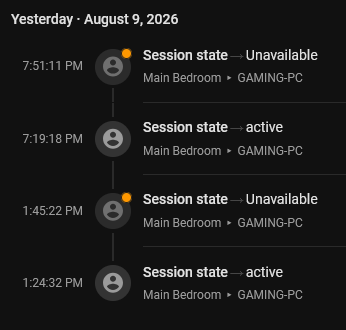
presence data stored in homeassistant
when someone visits my website, a request is sent to homeassistant to collect the latest status update. splendid :)
the result
the end result of this effort is that i now have a nice little indicator on my homepage which lets people know my active status, just like the good old msn days.
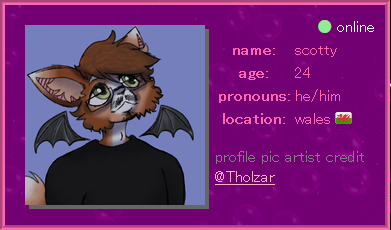
the result
in future, i plan to link the 'now playing' display at the top of the website to apple music. i may update this post or make a new post if i get around to doing this.
update 2026-08-08
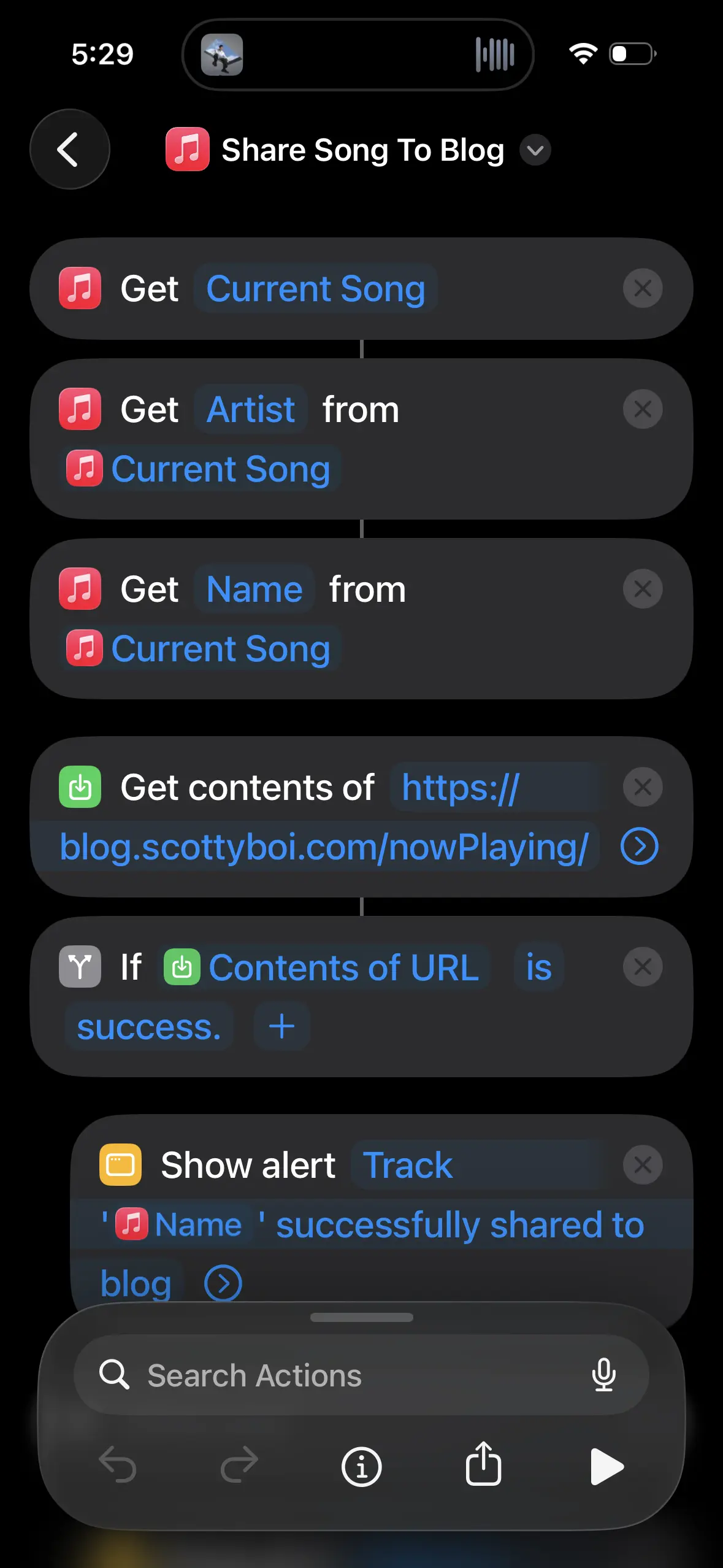
i have managed to get the 'now playing' feature "sort of" working with apple music using iphone shortcuts. it's a manual process to share a song to the blog, but it's a one-click operation, and i've put the button directly next to my media controls :)
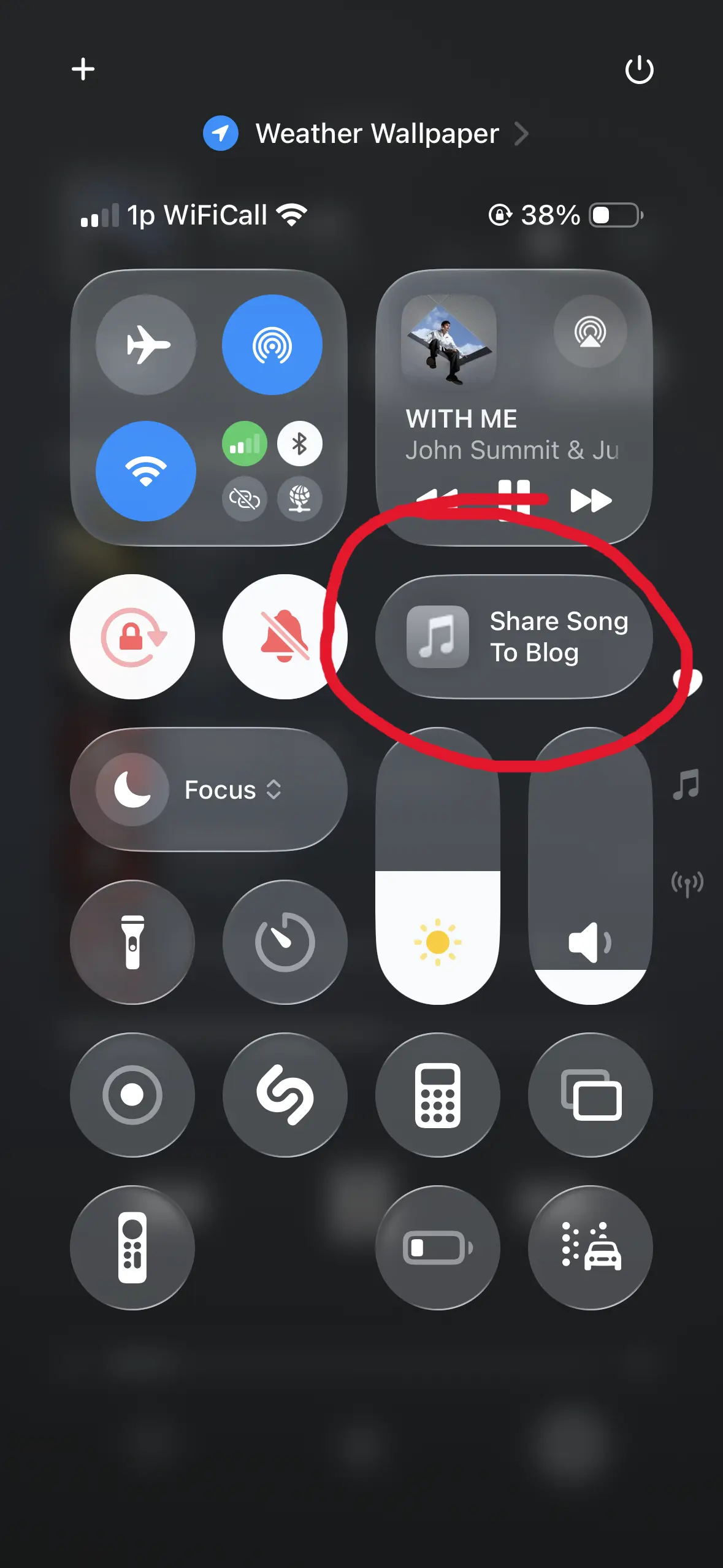
update 2026-09-25
it turns out that the built-in iOS music shortcuts are buggy as hell and only work 'sometimes'. i will randomly get 'The operation couldn’t be completed. (MPErrorDomain error 0.)' when trying to get the name of a currently playing track. or the track will come back without a name. it's a complete dumpster fire.
my workaround has been to add a fallback to shazam if shortcuts fails to get proper information from the apple music app. this has the added bonus of being able to shazam songs straight to my blog from other sources, like radio etc. very handy! :)